|
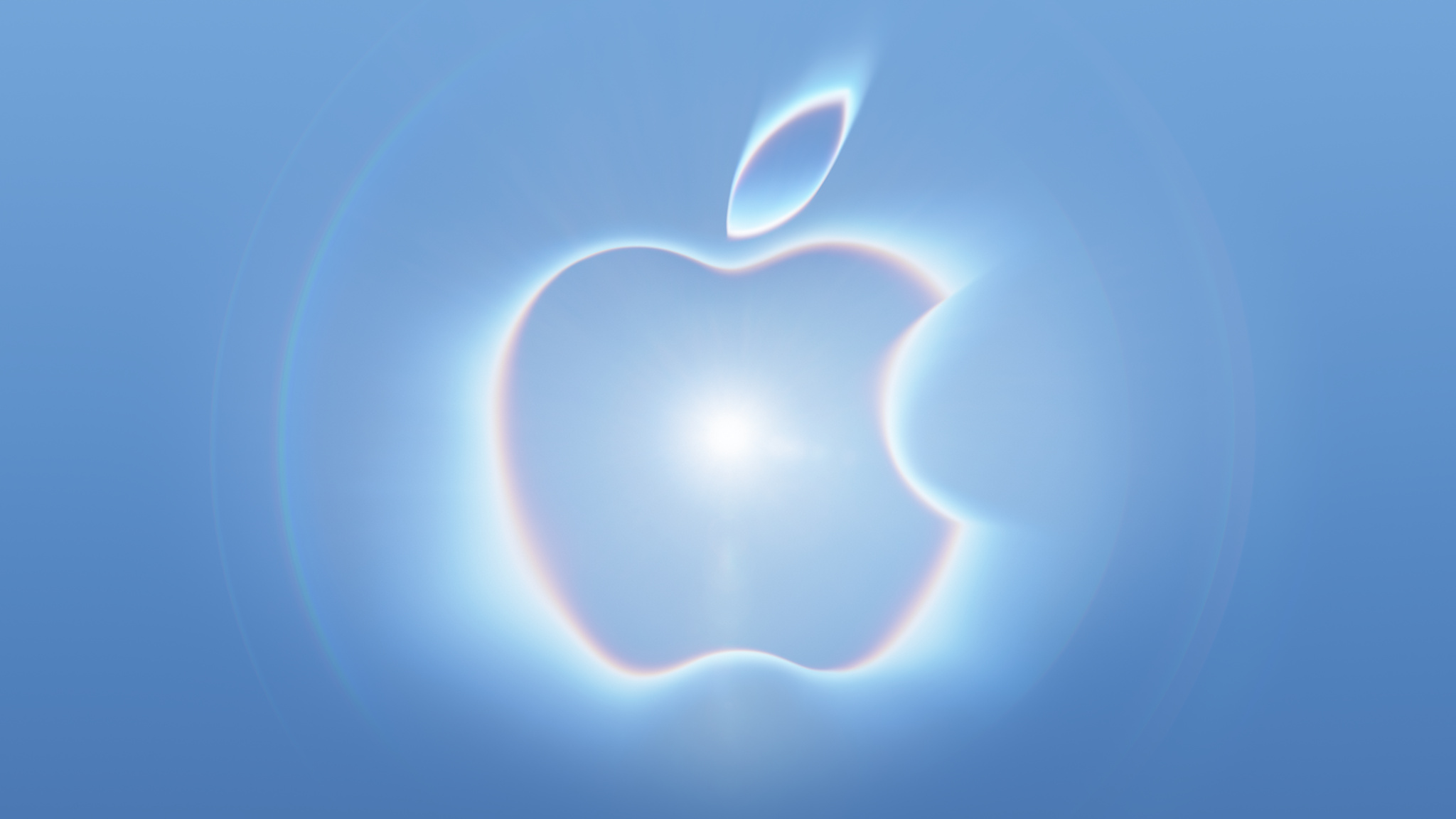 Apple's logo for its upcoming September 9 "Surprise and shine" event hints at two rumored iPhone 18 Pro features, including new color options and a new camera system. Apple's logo for its upcoming September 9 "Surprise and shine" event hints at two rumored iPhone 18 Pro features, including new color options and a new camera system.
|
|
 Clusters of towns and cities around the world have become curious case studies for scientists looking into just how residents there appear to defy natural aging, living healthier for much longer than anywhere else on the planet. Now, another "longevity hotspot" is in the spotlight. Clusters of towns and cities around the world have become curious case studies for scientists looking into just how residents there appear to defy natural aging, living healthier for much longer than anywhere else on the planet. Now, another "longevity hotspot" is in the spotlight.
|
|
If Windows 11 is on the table for you, today is your lucky day because you can get Windows 11 licenses for super cheap on the PCWorld Software Store right now. Seriously, both Windows 11 Home and Windows 11 Pro are currently priced at $14.97 each. That's down from $139 (89% off) and $199 (92% off), respectively. Huge savings!
Casual users who don't need all the fancy features of the Pro version can get away with Windows 11 Home, although given that they're on sale for the same price, you might consider getting Windows 11 Pro for the heck of it. Windows 11 Pro unlocks advanced features like BitLocker encryption, Remote Desktop Server, Hyper-V virtualization, and Windows Sandbox. (See our breakdown of Windows 11 Pro versus Home.)
Get Windows 11 for up to 92% off right nowBuy now via PCWorld Software Store
How to activate your Windows 11 license
After you've made your order, you'll have to check your email inbox for the license key. Once you have that and your chosen Windows 11 copy is installed, here's how to activate t
|
|



