|
OnePlus 15 vs. RedMagic 11 Pro: These powerful gaming-optimized phones look completely different, and each takes a different tactic to make the most of their high-end hardware.
|
|
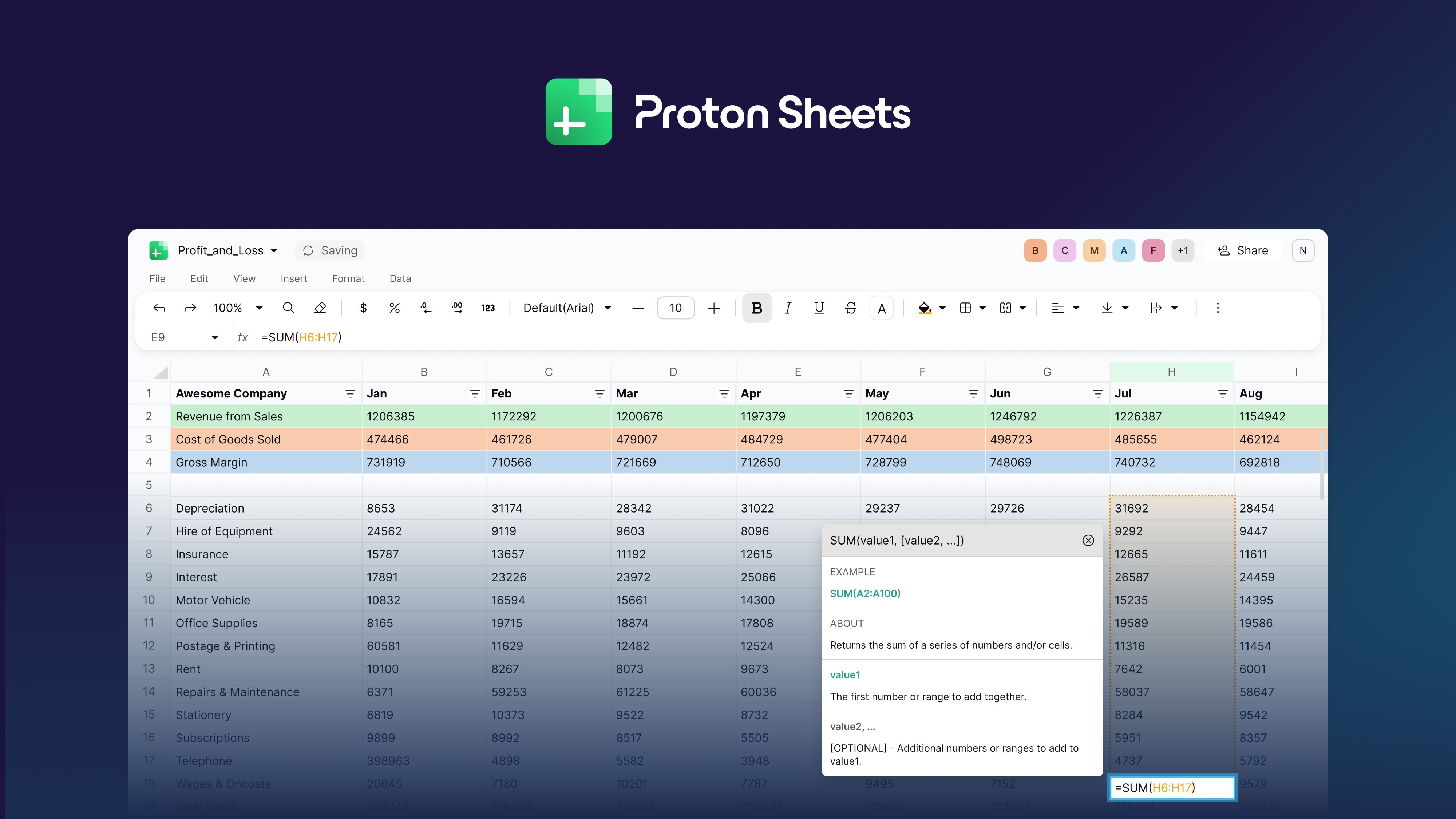 Proton today announced the launch of Proton Sheets, its end-to-end encrypted spreadsheet web application designed to offer a privacy-focused alternative to Google Sheets and Microsoft Excel. Proton today announced the launch of Proton Sheets, its end-to-end encrypted spreadsheet web application designed to offer a privacy-focused alternative to Google Sheets and Microsoft Excel.
|
|
Last month, the company published a "30-day reminder" that Windows 10 version 22H2 (including Enterprise and Education Editions) will reach the end of its support period on October 14th, 2025:
On October 14, 2025, Windows 10, version 22H2 (Home, Pro, Enterprise, Education, and IoT Enterprise editions) will reach end of servicing. October 14, 2025 will also mark the end of support for Windows 10 2015 LTSB and Windows 10 IoT Enterprise LTSB 2015. The October 2025 monthly security update will be the last update available for these versions. After this date, devices running these versions will no longer receive monthly security and preview updates containing protections from the latest security threats.
However, Microsoft also wants Windows home users to know that there's the opportunity to receive extended support for another 12 months with Microsoft's Extended Security Update (ESU) program.
All in all, if you're still actively using Windows 10, the deadline is almost here. What should you do? Here are all your options:
| |
Sometimes you can notice the signs of a failing SSD. For instance, the once-quick transfer speed slows to crawl, there are frequent program or system crashes, or file system access errors or SMART errors occur. If you notice these things, especially in combination, there's a good chance your SSD is on its way out. In that case, it's time to prepare for the worst and do the following:
Back up critical files
It goes without saying that the first thing you'll want to do if you think your SSD is on the blink is to back up your critical data. Backups should be done regularly anyway, but even if you're doing that, you'll still want to make a new backup of your critical files at this point to have them ready to go should your SSD suddenly die.
See our roundups of the best Windows backup software and
|
|



