|
 Apple's logo for its upcoming September 9 "Surprise and shine" event hints at two rumored iPhone 18 Pro features, including new color options and a new camera system. Apple's logo for its upcoming September 9 "Surprise and shine" event hints at two rumored iPhone 18 Pro features, including new color options and a new camera system.
|
|
 In another edition of "this heritage bikemaker was once European," we have Speedy Working Motors (SWM), a name once plastered across Italian-built dirt bikes and now under the umbrella of Chinese industrial giant Shineray. SWM's story is a particularly interesting one: born in Milan in 1971, successful in the golden age of European off-road racing, dead and buri In another edition of "this heritage bikemaker was once European," we have Speedy Working Motors (SWM), a name once plastered across Italian-built dirt bikes and now under the umbrella of Chinese industrial giant Shineray. SWM's story is a particularly interesting one: born in Milan in 1971, successful in the golden age of European off-road racing, dead and buri
|
|
 Clusters of towns and cities around the world have become curious case studies for scientists looking into just how residents there appear to defy natural aging, living healthier for much longer than anywhere else on the planet. Now, another "longevity hotspot" is in the spotlight. Clusters of towns and cities around the world have become curious case studies for scientists looking into just how residents there appear to defy natural aging, living healthier for much longer than anywhere else on the planet. Now, another "longevity hotspot" is in the spotlight.
|
|
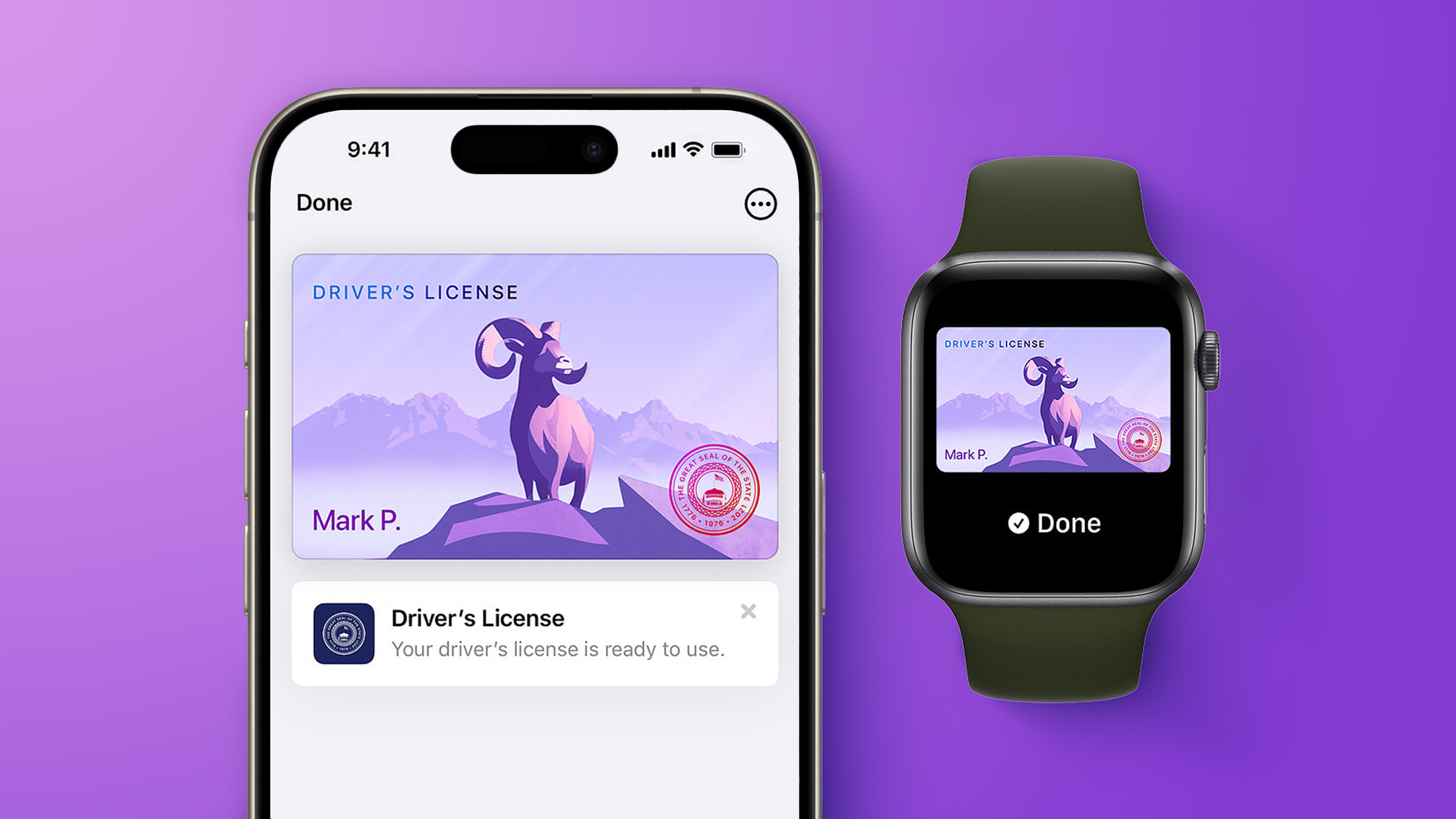 Starting today, Virginia residents can add a digital version of their driver's license to the Apple Wallet app on the iPhone and Apple Watch. The digital ID can be used to display proof of identity or age at TSA checkpoints in select airports, at select businesses, and in select apps, but the number of places where it is accepted is still quite limited. Starting today, Virginia residents can add a digital version of their driver's license to the Apple Wallet app on the iPhone and Apple Watch. The digital ID can be used to display proof of identity or age at TSA checkpoints in select airports, at select businesses, and in select apps, but the number of places where it is accepted is still quite limited.
|
RELATED ARTICLES | | |
|

In this article, we explore the top 10 AI tools that are
driving innovation and efficiency in various industries. These tools are
designed to automate repetitive tasks, improve workflow, and increase
productivity. The tools included in our list are some of the most advanced and
widely used in the market, and are suitable for a variety of applications. Some
of the tools focus on natural language processing, such as ChatGPT and
Grammarly, while others focus on image and video generation, such as DALL-E and
Lumen5. Other tools such as OpenAI Codex, Tabnine, Canva, Jasper AI,, and
Surfer SEO are designed to help with specific tasks such as code understanding content
writing and website optimization. This
list is a great starting point for anyone looking to explore the po
|
|



