|
 LG is hosting a Labor Day sale on its website this week, with deals on monitors, TVs, home appliances, and more. LG's discounts have been automatically applied and do not require any discount codes or special memberships. LG is hosting a Labor Day sale on its website this week, with deals on monitors, TVs, home appliances, and more. LG's discounts have been automatically applied and do not require any discount codes or special memberships.
|
|
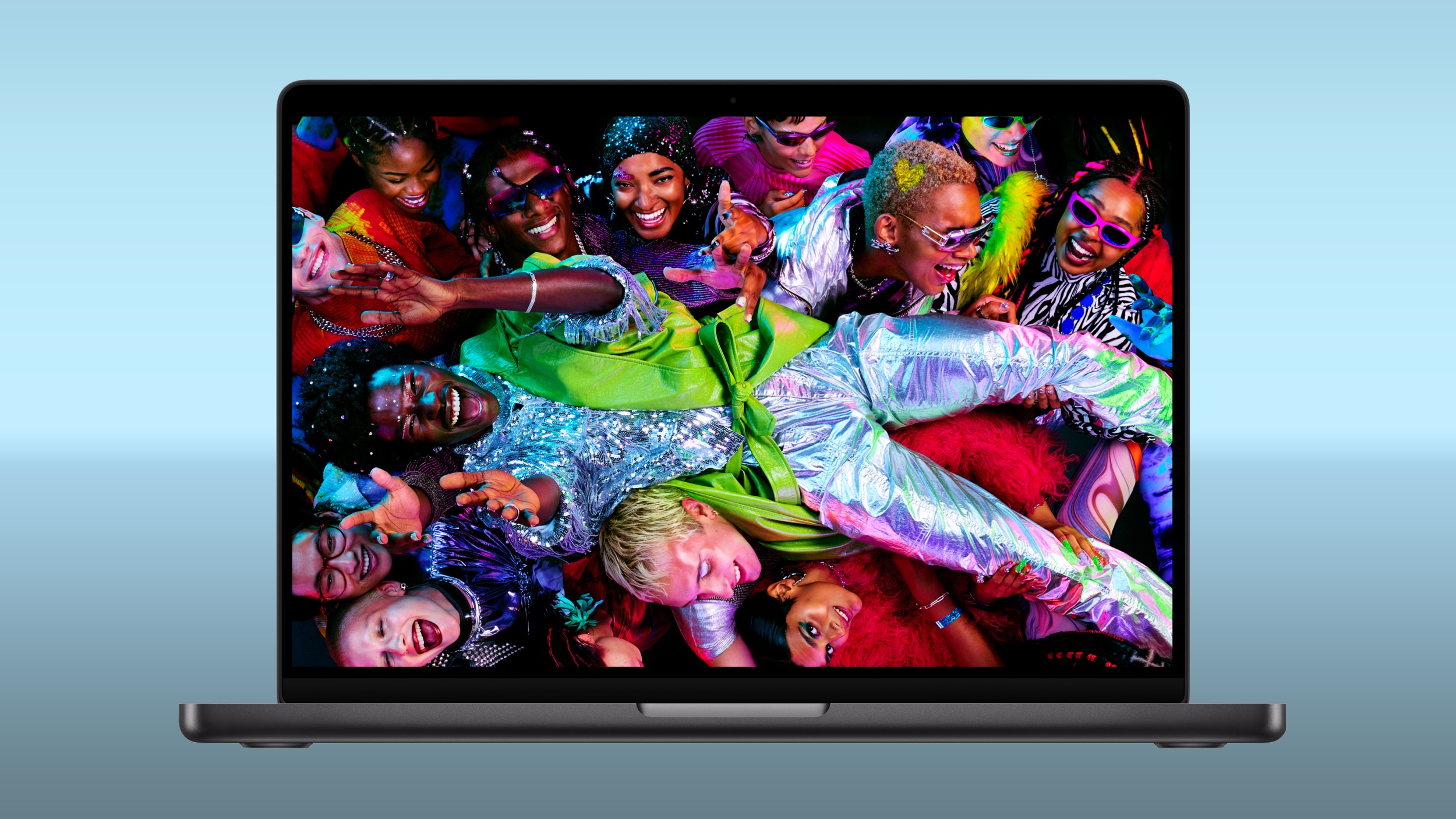 Amazon and Best Buy today have big discounts on the M5 Pro and M5 Max MacBook Pro, with up to $500 off select models. A handful of models have better discounts when compared to the last time we tracked these deals, coming in as much as $100 off previous price points. Amazon and Best Buy today have big discounts on the M5 Pro and M5 Max MacBook Pro, with up to $500 off select models. A handful of models have better discounts when compared to the last time we tracked these deals, coming in as much as $100 off previous price points.
|
|
 In another edition of "this heritage bikemaker was once European," we have Speedy Working Motors (SWM), a name once plastered across Italian-built dirt bikes and now under the umbrella of Chinese industrial giant Shineray. SWM's story is a particularly interesting one: born in Milan in 1971, successful in the golden age of European off-road racing, dead and buri In another edition of "this heritage bikemaker was once European," we have Speedy Working Motors (SWM), a name once plastered across Italian-built dirt bikes and now under the umbrella of Chinese industrial giant Shineray. SWM's story is a particularly interesting one: born in Milan in 1971, successful in the golden age of European off-road racing, dead and buri
|
|
NEW RESOURCES StateScoop: Pennsylvania launches voter data dashboard. "Pennsylvania election officials on Monday launched a new data dashboard designed to make the state's voter registration data easier for the public to access […]
|
|
 Meta today said it will implement major changes to Facebook and Instagram's child safety features as part of a settlement agreement with almost all U.S. states. Meta today said it will implement major changes to Facebook and Instagram's child safety features as part of a settlement agreement with almost all U.S. states.
|
|
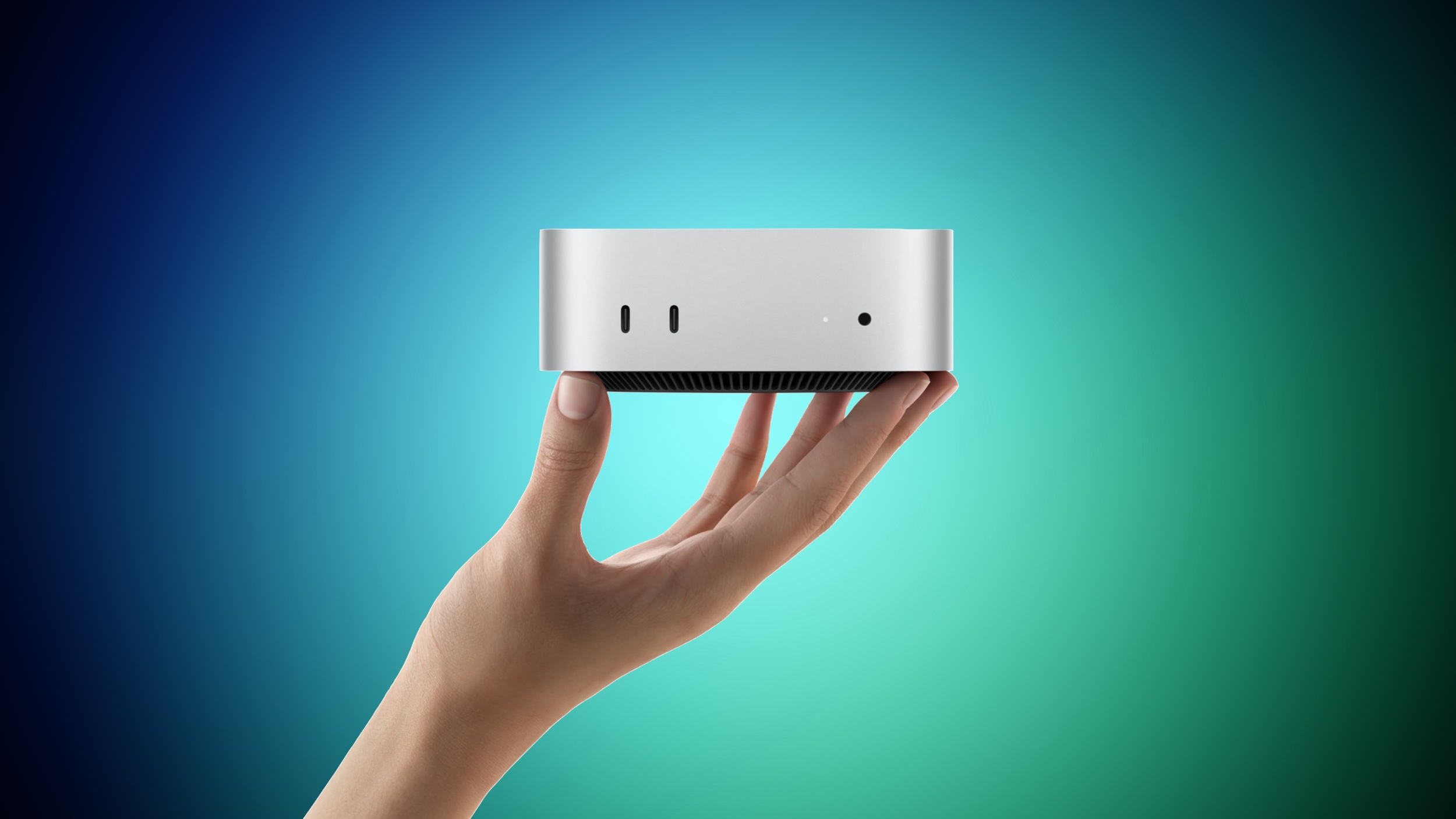 Apple yesterday announced the new Mac mini and Mac Studio, and pre-orders have begun on each device ahead of their September 22 launch date. We aren't currently tracking any straight cash discounts on pre-orders, but Best Buy is offering some money back in the form of Best Buy rewards when ordering. Apple yesterday announced the new Mac mini and Mac Studio, and pre-orders have begun on each device ahead of their September 22 launch date. We aren't currently tracking any straight cash discounts on pre-orders, but Best Buy is offering some money back in the form of Best Buy rewards when ordering.
|
|
The new Google Pixel 11 Pro XL doesn't dramatically reinvent the company's flagship smartphone formula. From a hardware perspective, this year's model represents an incremental update. But after spending time with Google's latest full-featured Pixel, I've found that some of its most meaningful improvements for business users aren't necessarily the things that stand out on a spec sheet or benchmark chart.
Starting at $1,299 with 256GB of storage, the Pixel 11 Pro XL features a 6.8-in. Super Actua LTPO OLED display, Google's new Tensor G6 processor, a 5115mAh battery and an updated triple-camera system. Google also pledges seven years of operating system, Android security and Pixel Drop updates.
The hardware is very good, but Google's deeper integration of Gemini with Android and other thoughtful software features are what make this device more interesting.
Tensor G6 performance: The numbers don't tell the whole story
Google's Tensor processors have never been benchmark chart-toppers, and the Tensor G6 doesn't change that. In Geekbench 6, the Pixel 11 Pro XL scored 2,736 single-core and 7,399 multi-core numbers. That's a healthy improvement over the Pixel 10 Pro XL's 2,326 and 6,413, respectively, but well behind devices like Samsung's Galaxy S26 Ultra (at 3,683 and 11,243) powered by Qualcomm's latest SoCs.
|
|

In this article, we explore the top 10 AI tools that are
driving innovation and efficiency in various industries. These tools are
designed to automate repetitive tasks, improve workflow, and increase
productivity. The tools included in our list are some of the most advanced and
widely used in the market, and are suitable for a variety of applications. Some
of the tools focus on natural language processing, such as ChatGPT and
Grammarly, while others focus on image and video generation, such as DALL-E and
Lumen5. Other tools such as OpenAI Codex, Tabnine, Canva, Jasper AI,, and
Surfer SEO are designed to help with specific tasks such as code understanding content
writing and website optimization. This
list is a great starting point for anyone looking to explore the po
|
|



