|
 LG is hosting a Labor Day sale on its website this week, with deals on monitors, TVs, home appliances, and more. LG's discounts have been automatically applied and do not require any discount codes or special memberships. LG is hosting a Labor Day sale on its website this week, with deals on monitors, TVs, home appliances, and more. LG's discounts have been automatically applied and do not require any discount codes or special memberships.
|
|
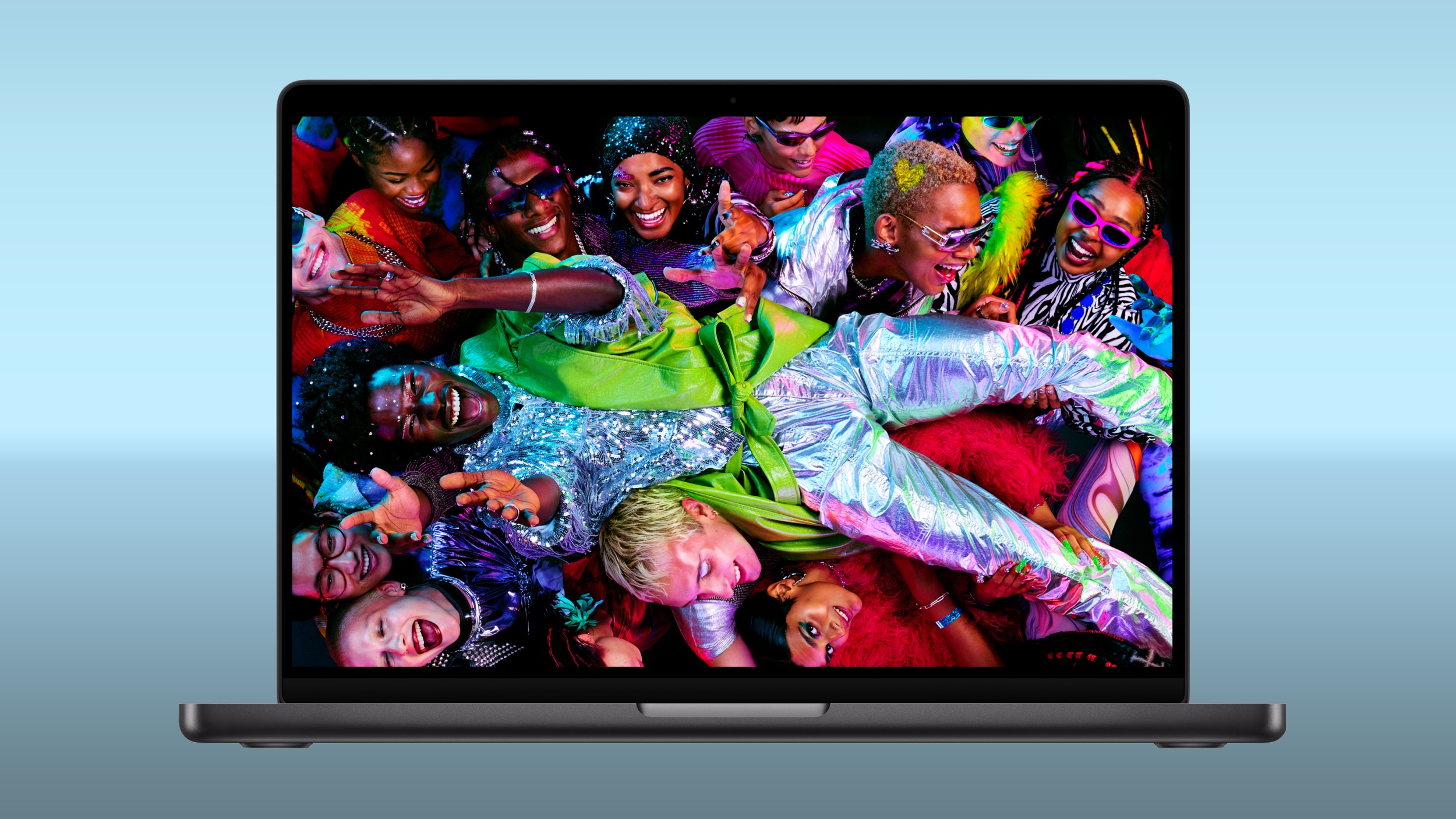 Amazon and Best Buy today have big discounts on the M5 Pro and M5 Max MacBook Pro, with up to $500 off select models. A handful of models have better discounts when compared to the last time we tracked these deals, coming in as much as $100 off previous price points. Amazon and Best Buy today have big discounts on the M5 Pro and M5 Max MacBook Pro, with up to $500 off select models. A handful of models have better discounts when compared to the last time we tracked these deals, coming in as much as $100 off previous price points.
|
|
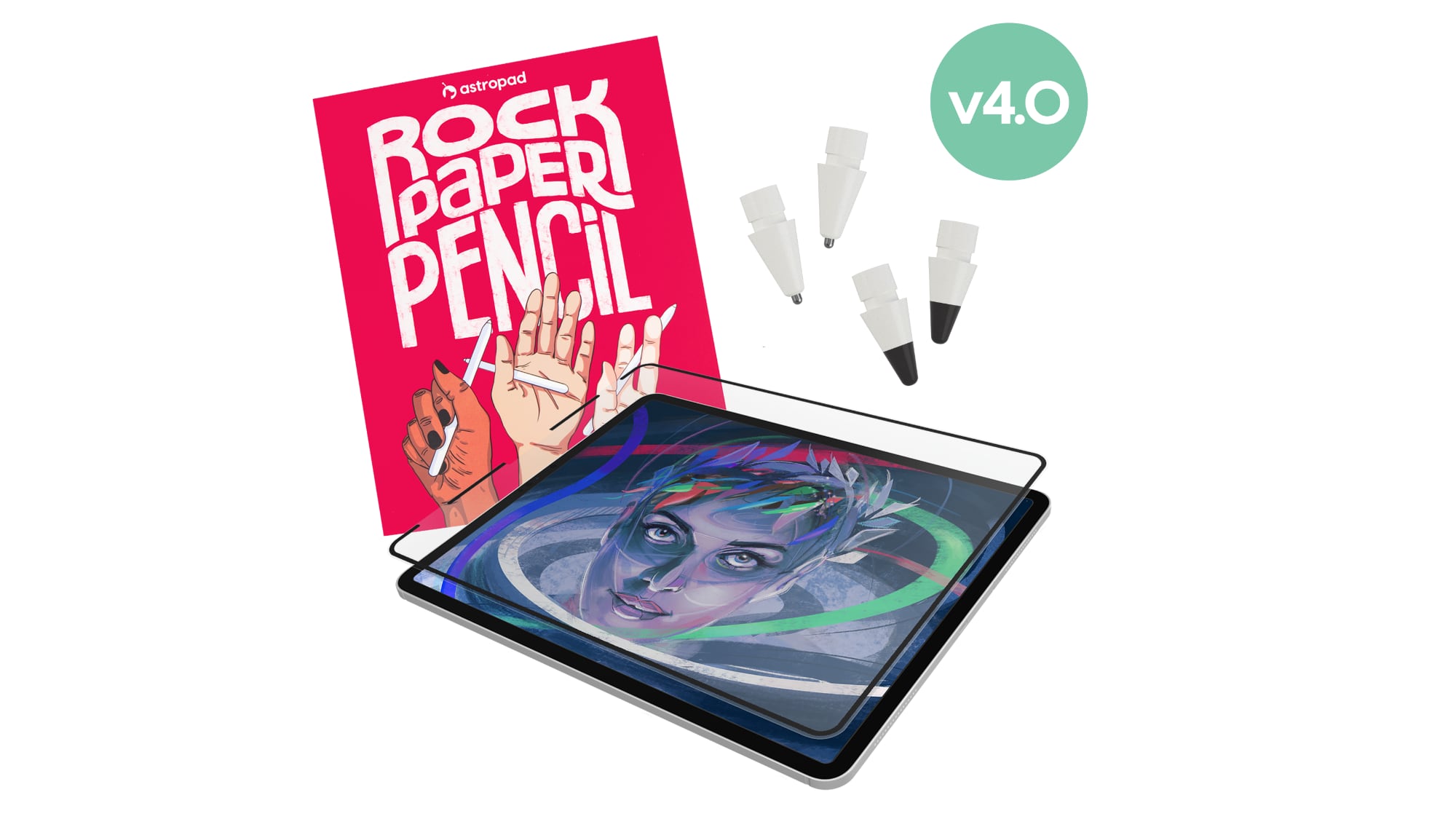 Astropad today launched Rock Paper Pencil 4.0, an updated version of its screen protector and Apple Pencil tip combo made for the iPad. Astropad today launched Rock Paper Pencil 4.0, an updated version of its screen protector and Apple Pencil tip combo made for the iPad.
|
|
 Meta today said it will implement major changes to Facebook and Instagram's child safety features as part of a settlement agreement with almost all U.S. states. Meta today said it will implement major changes to Facebook and Instagram's child safety features as part of a settlement agreement with almost all U.S. states.
|
|
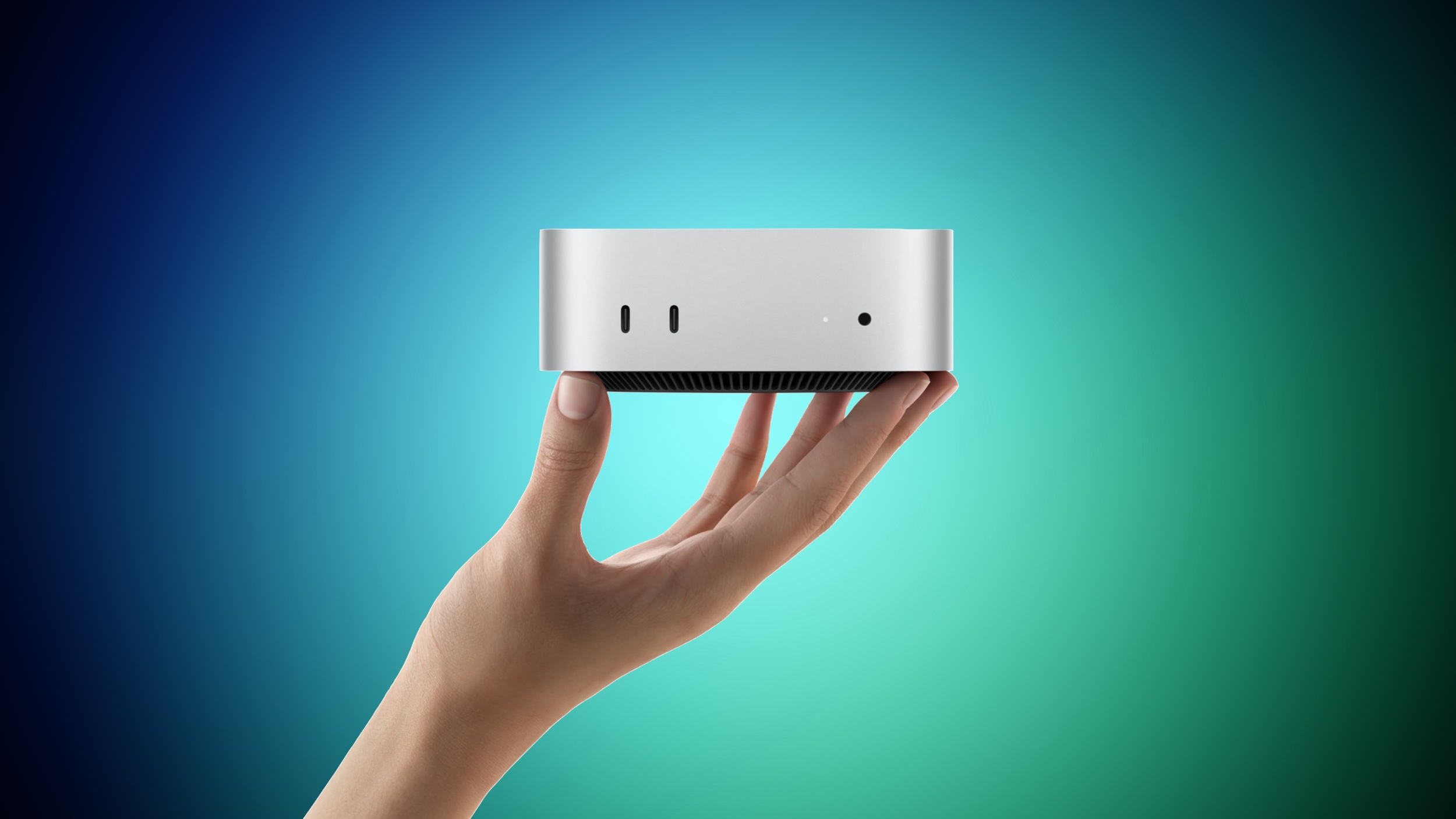 Apple yesterday announced the new Mac mini and Mac Studio, and pre-orders have begun on each device ahead of their September 22 launch date. We aren't currently tracking any straight cash discounts on pre-orders, but Best Buy is offering some money back in the form of Best Buy rewards when ordering. Apple yesterday announced the new Mac mini and Mac Studio, and pre-orders have begun on each device ahead of their September 22 launch date. We aren't currently tracking any straight cash discounts on pre-orders, but Best Buy is offering some money back in the form of Best Buy rewards when ordering.
|
|
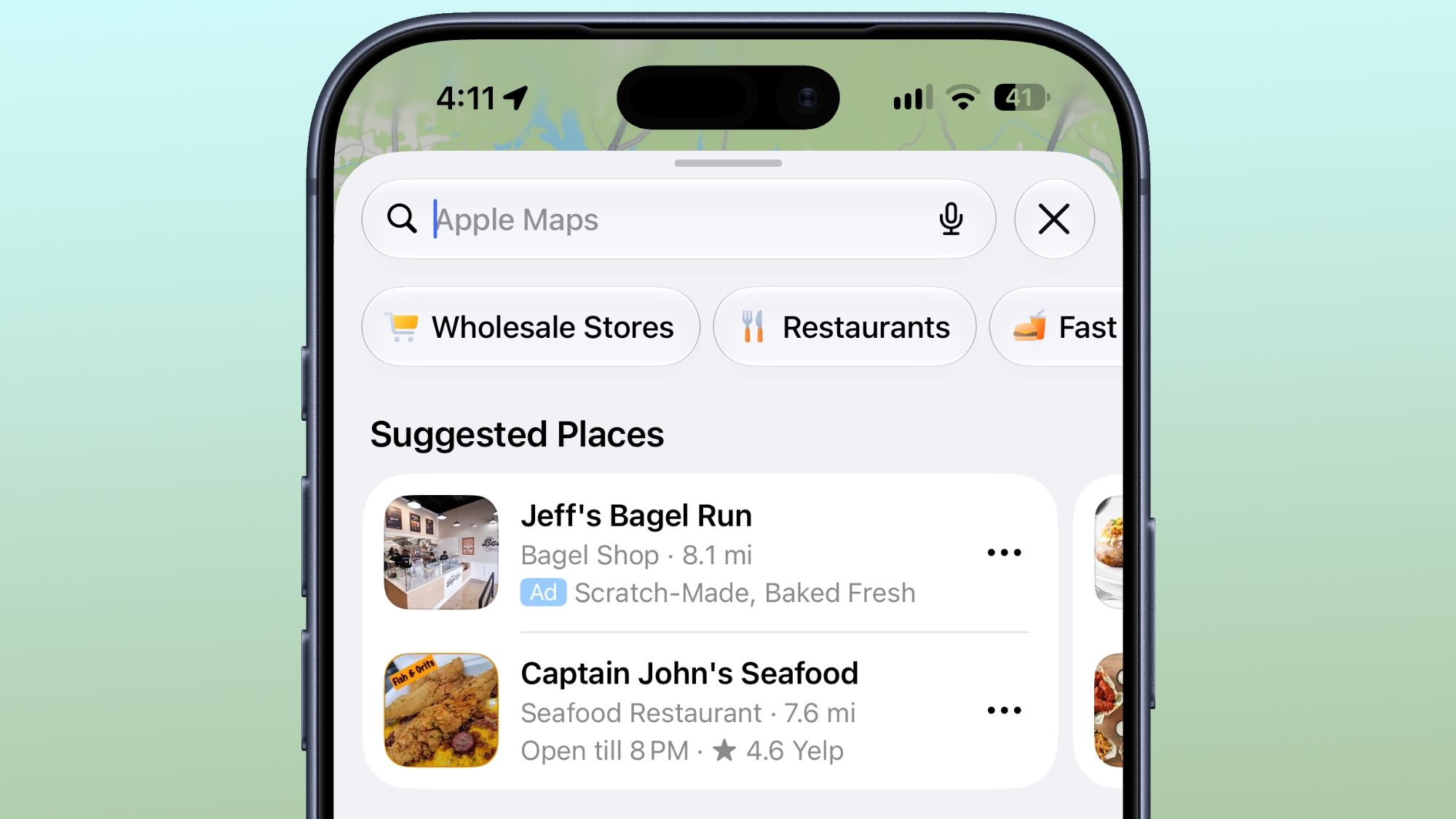 Ads in Apple Maps are live in the United States and Canada, which means iPhone and iPad users will see them when searching for locations and when viewing Suggested Places. Ads in Apple Maps are live in the United States and Canada, which means iPhone and iPad users will see them when searching for locations and when viewing Suggested Places.
|
|



