|
The Silicon Valley company agreed to pay up to $17.1 billion in penalties as part of a landmark settlement with states over social media addiction claims.
|
|
NEW RESOURCES StateScoop: Pennsylvania launches voter data dashboard. "Pennsylvania election officials on Monday launched a new data dashboard designed to make the state's voter registration data easier for the public to access […]
|
|
 Meta today said it will implement major changes to Facebook and Instagram's child safety features as part of a settlement agreement with almost all U.S. states. Meta today said it will implement major changes to Facebook and Instagram's child safety features as part of a settlement agreement with almost all U.S. states.
|
|
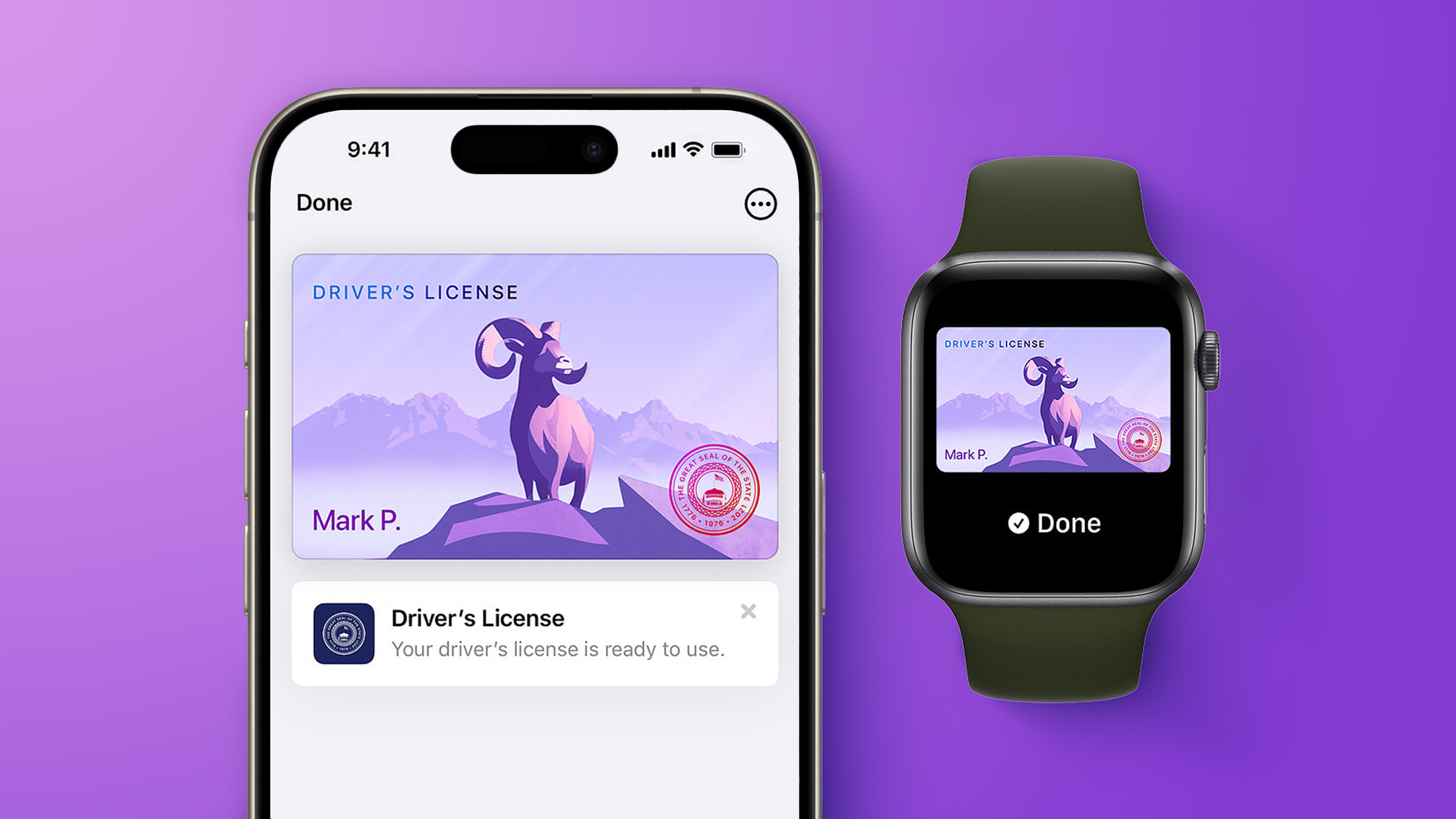 Starting today, Virginia residents can add a digital version of their driver's license to the Apple Wallet app on the iPhone and Apple Watch. The digital ID can be used to display proof of identity or age at TSA checkpoints in select airports, at select businesses, and in select apps, but the number of places where it is accepted is still quite limited. Starting today, Virginia residents can add a digital version of their driver's license to the Apple Wallet app on the iPhone and Apple Watch. The digital ID can be used to display proof of identity or age at TSA checkpoints in select airports, at select businesses, and in select apps, but the number of places where it is accepted is still quite limited.
|
|
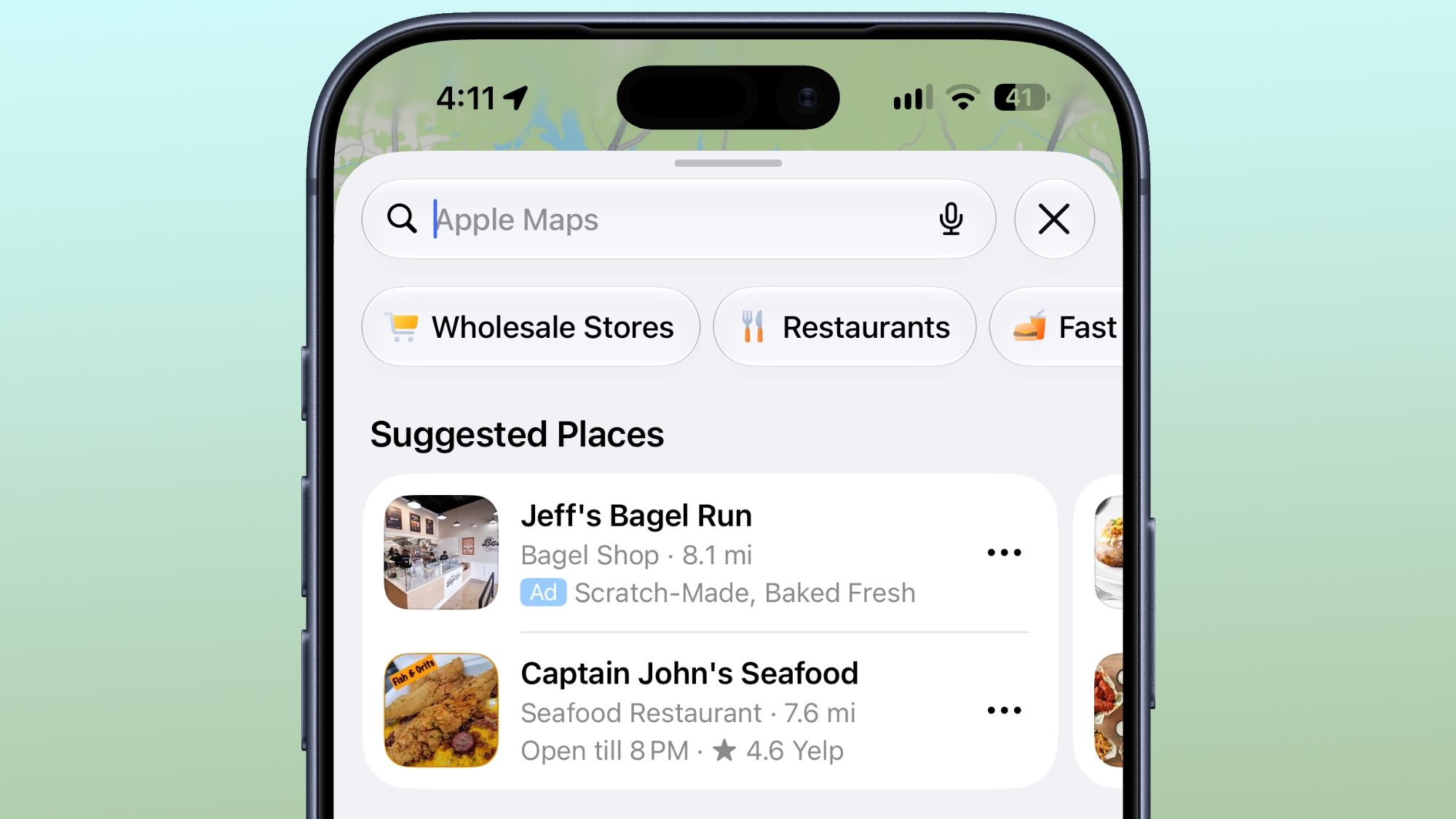 Ads in Apple Maps are live in the United States and Canada, which means iPhone and iPad users will see them when searching for locations and when viewing Suggested Places. Ads in Apple Maps are live in the United States and Canada, which means iPhone and iPad users will see them when searching for locations and when viewing Suggested Places.
|
|
Because of these limitations, I use ShareX instead for more complicated or precise screen captures. As well as capturing GIFs, ShareX offers significantly more advanced features, including precise capture with a magnifier, scrolling screenshot capture, and timed capture. ShareX even lets you add annotations like arrows, lines, and text bubbles to screenshots. And another great thing… it's totally free!
Here I'll show you how to use the highly coveted GIF recording function.
What to do:
Download, install, and run ShareX.
Type Ctrl Shift Print Screen. A crosshair will appear on your screen.
Now select the part of your screen you want to record a GIF with by moving the crosshair over it—it will automatically select the window or area surrounding your cursor. Click your mouse to begin recording.
To stop recording you can either type the shortcut again (Ctrl Shift Print Screen) or hit the stop button in the ShareX media control bar.
|
|