|
It's the second update in less than two months to address privacy concerns.
|
|
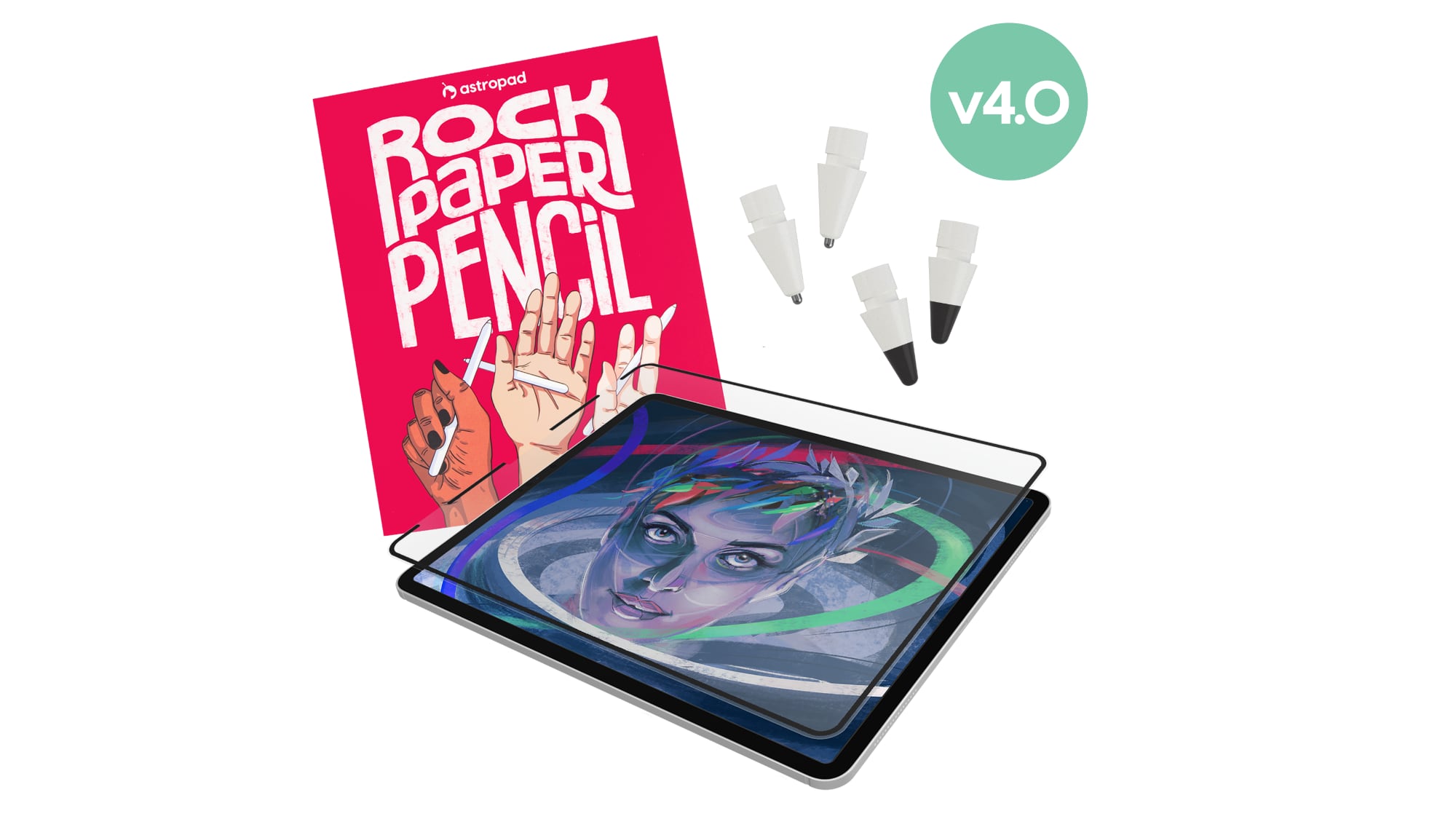 Astropad today launched Rock Paper Pencil 4.0, an updated version of its screen protector and Apple Pencil tip combo made for the iPad. Astropad today launched Rock Paper Pencil 4.0, an updated version of its screen protector and Apple Pencil tip combo made for the iPad.
|
|
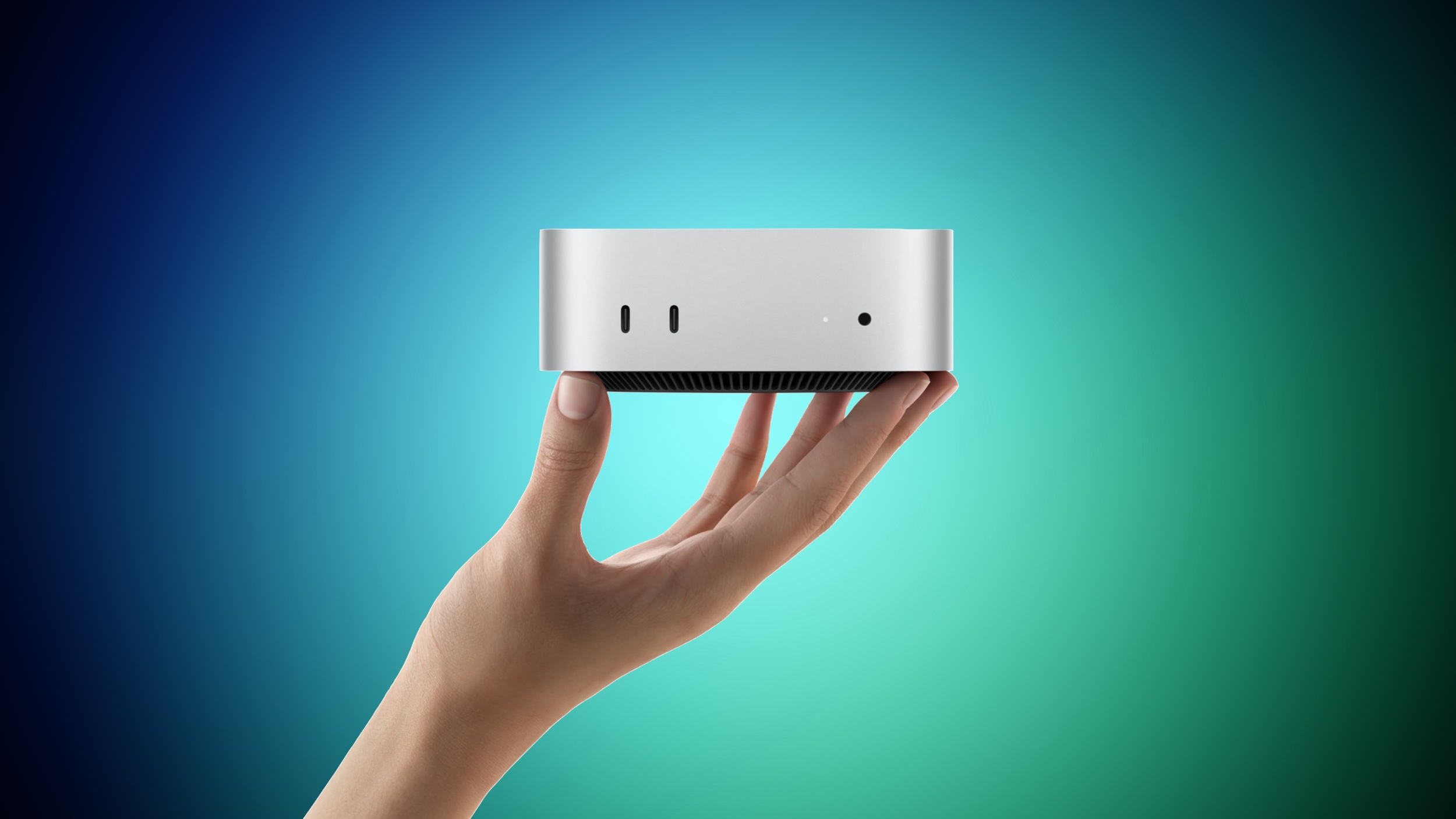 Apple yesterday announced the new Mac mini and Mac Studio, and pre-orders have begun on each device ahead of their September 22 launch date. We aren't currently tracking any straight cash discounts on pre-orders, but Best Buy is offering some money back in the form of Best Buy rewards when ordering. Apple yesterday announced the new Mac mini and Mac Studio, and pre-orders have begun on each device ahead of their September 22 launch date. We aren't currently tracking any straight cash discounts on pre-orders, but Best Buy is offering some money back in the form of Best Buy rewards when ordering.
|
|
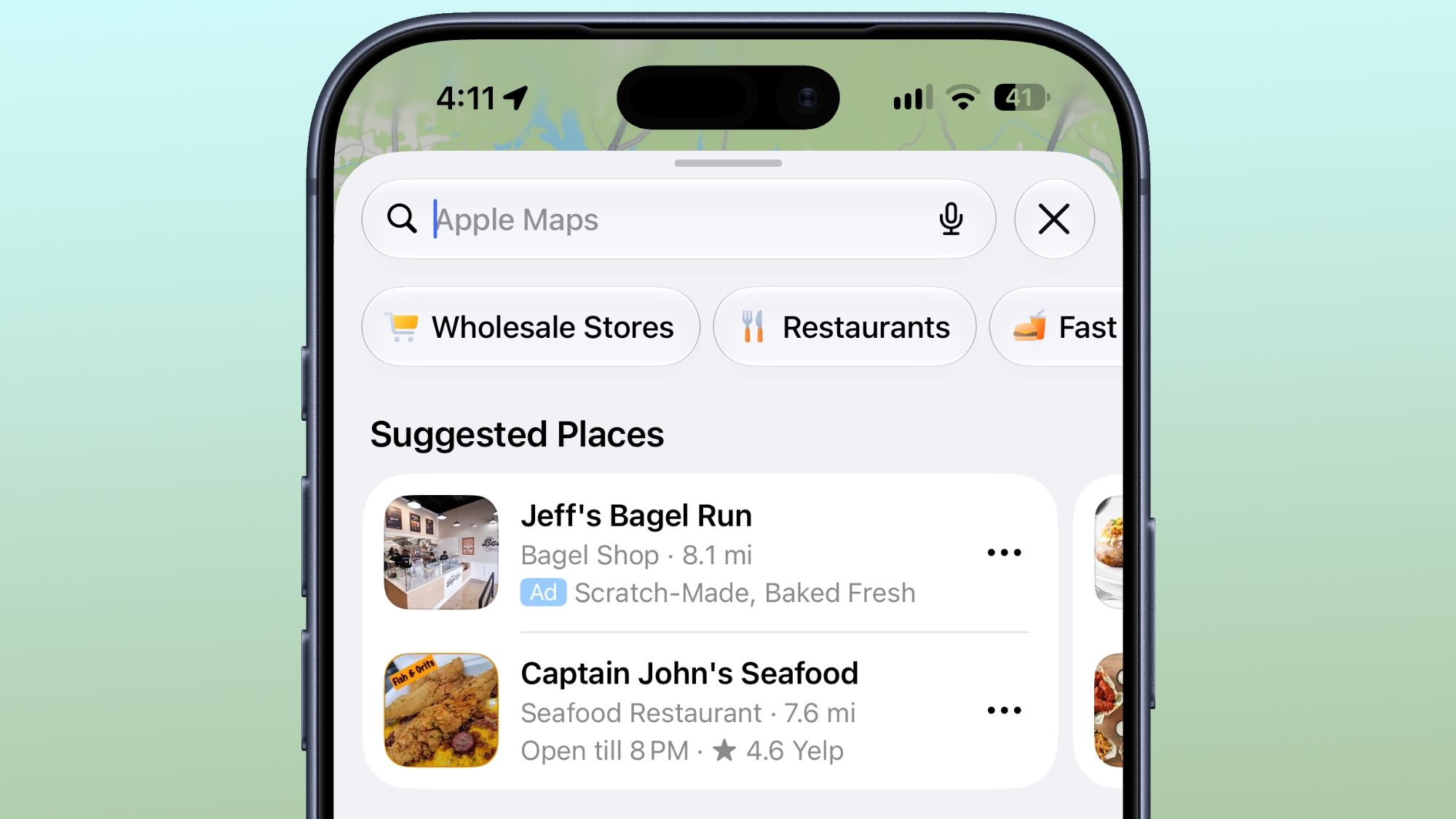 Ads in Apple Maps are live in the United States and Canada, which means iPhone and iPad users will see them when searching for locations and when viewing Suggested Places. Ads in Apple Maps are live in the United States and Canada, which means iPhone and iPad users will see them when searching for locations and when viewing Suggested Places.
|
|
The new Google Pixel 11 Pro XL doesn't dramatically reinvent the company's flagship smartphone formula. From a hardware perspective, this year's model represents an incremental update. But after spending time with Google's latest full-featured Pixel, I've found that some of its most meaningful improvements for business users aren't necessarily the things that stand out on a spec sheet or benchmark chart.
Starting at $1,299 with 256GB of storage, the Pixel 11 Pro XL features a 6.8-in. Super Actua LTPO OLED display, Google's new Tensor G6 processor, a 5115mAh battery and an updated triple-camera system. Google also pledges seven years of operating system, Android security and Pixel Drop updates.
The hardware is very good, but Google's deeper integration of Gemini with Android and other thoughtful software features are what make this device more interesting.
Tensor G6 performance: The numbers don't tell the whole story
Google's Tensor processors have never been benchmark chart-toppers, and the Tensor G6 doesn't change that. In Geekbench 6, the Pixel 11 Pro XL scored 2,736 single-core and 7,399 multi-core numbers. That's a healthy improvement over the Pixel 10 Pro XL's 2,326 and 6,413, respectively, but well behind devices like Samsung's Galaxy S26 Ultra (at 3,683 and 11,243) powered by Qualcomm's latest SoCs.
|
|



